0.4 mm vs 0.6 mm nozzles: detail, speed, strength, and practical trade-offs
فوهة 0.4 مم أم 0.6 مم: التفاصيل والسرعة والقوة والمقايضات
By Let’s 3D Studio · 3 min read
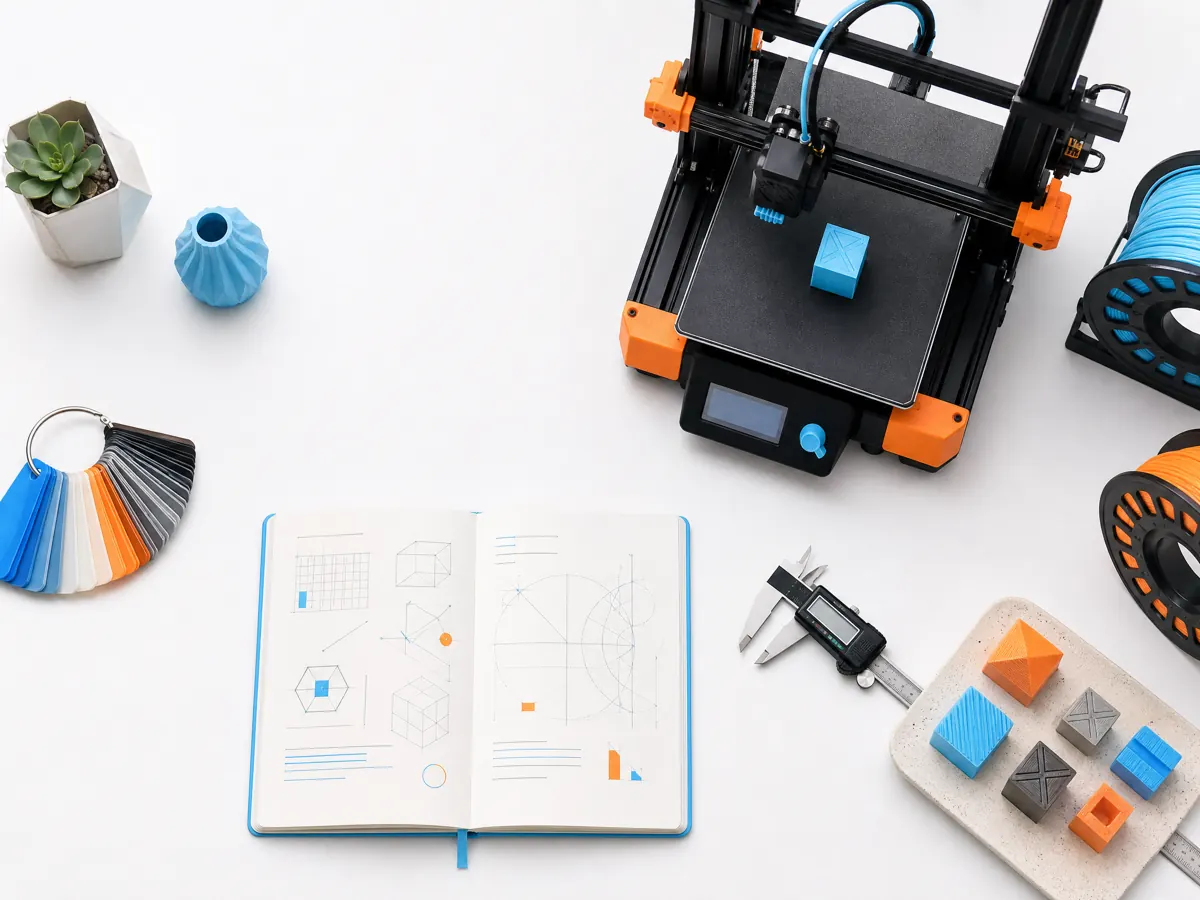
Nozzle diameter influences line width, practical layer height, small-feature resolution, and how much melted plastic the hotend must supply. A 0.4 mm nozzle is a versatile default because many printer profiles and models assume it. A 0.6 mm nozzle can shorten prints and make stronger, broader perimeters for functional work, but it asks the hotend and slicer to deliver more material reliably.
What changes when the opening gets larger
A wider nozzle can lay down wider lines. Wider lines can reduce the number of perimeters needed to form a sturdy wall, and a larger layer height can reduce the total layer count. Fine text, tiny holes, sharp internal corners, and miniature features may lose definition because the bead cannot fit into the same spaces.
Layer height is not a fixed rule, but a common working range is roughly 25% to 75% of nozzle diameter, subject to the printer, material, and desired finish. For a 0.4 mm nozzle, many makers start around 0.16–0.28 mm. For a 0.6 mm nozzle, 0.24–0.40 mm can be practical. Always use a profile that matches the actual nozzle; a wrong diameter can create unsafe pressure and inaccurate dimensions.
| Goal | Usually favors |
|---|---|
| Small text, miniatures, fine cosmetic features | 0.4 mm |
| Everyday brackets, bins, prototypes, large flat parts | 0.6 mm |
| Abrasive filled filament | A suitable hardened nozzle at the needed diameter |
| One nozzle for broad learning | 0.4 mm |
Speed is limited by melt capacity
A 0.6 mm nozzle is not automatically faster at any speed setting. The hotend must melt more plastic per second as line width and layer height increase. If the requested volumetric flow exceeds capacity, the printer can under-extrude, click, or produce weak lines. Start from a profile made for the nozzle and material. Increase speed only after a simple flow test is consistent and stay within the printer and filament maker’s temperature limits.
Strength and accuracy
Wider lines can improve contact between adjacent beads and make a wall less dependent on many narrow paths. But orientation, wall count, material, and load path still matter more than nozzle size alone. A 0.6 mm nozzle does not make a poorly oriented layer stack strong. Likewise, a 0.4 mm nozzle can make a robust part with sufficient walls and a sensible orientation.
Holes and mating features should be tested after a nozzle change. The extrusion geometry changes, so a clearance that worked with a 0.4 mm profile may need a small design or compensation adjustment. Print a calibration coupon with holes, tabs, and a simple sliding fit rather than changing a production model without evidence.
Change nozzles carefully
Use the manufacturer’s hotend procedure, correct tools, and thermal precautions. Confirm that the new nozzle type is compatible with the heater block and heat break. After installation, inspect for leakage according to the machine documentation, set the new diameter in the slicer and firmware where required, and run a short test. The best nozzle is the one that suits the actual object and remains within your machine’s reliable melt capacity.