How to improve 3D print surface finish before post-processing
By Let's 3D Studio · 1 min read
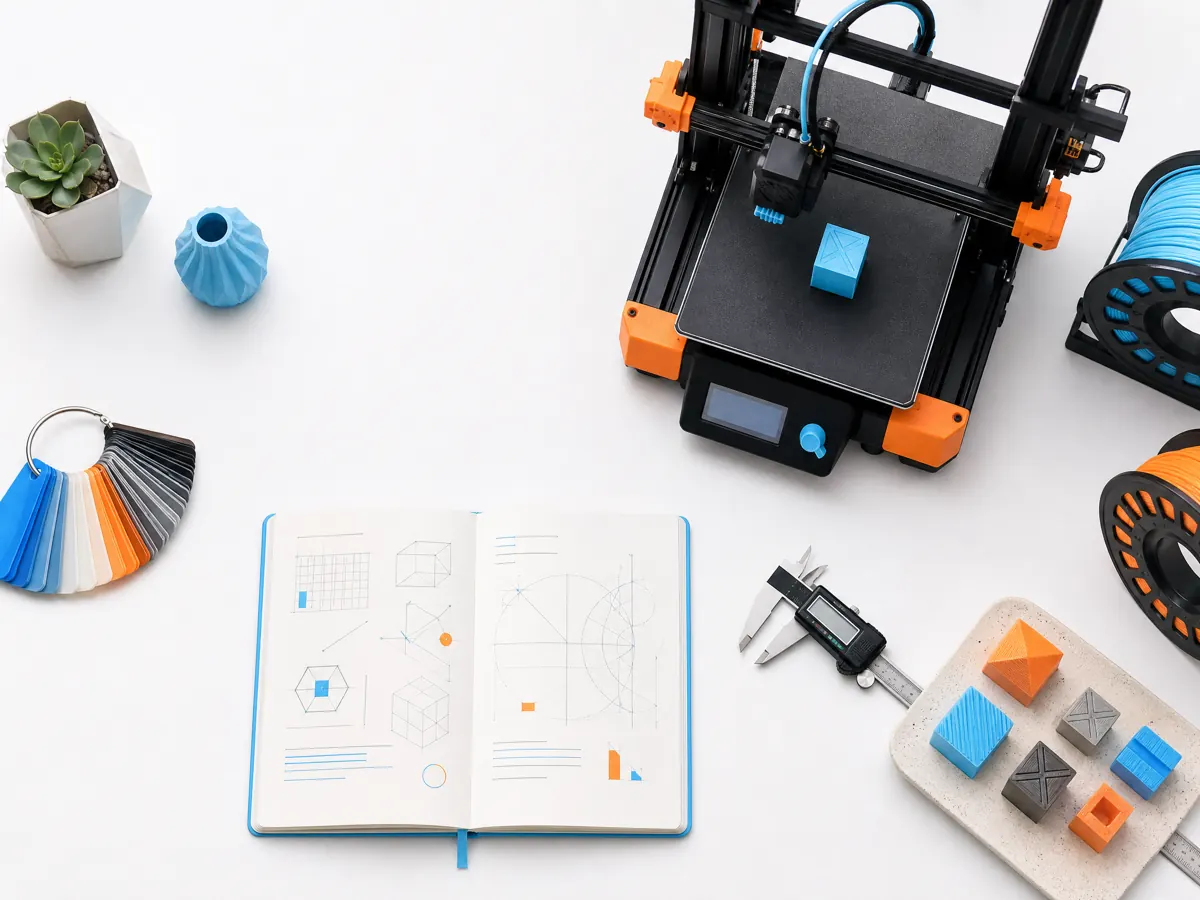
A better surface finish starts before the print begins. Select an orientation that keeps the most visible faces away from support contact and puts layer lines where they are least distracting. Check seams, bridging, cooling, and wall order in a small test when the object will be photographed or finished.
Material condition and a clean nozzle matter. Inconsistent extrusion, moisture, or a worn nozzle can create texture that no slicer setting fully hides. Work from a stable material profile before changing several quality controls at once.
Post-processing should support the object’s purpose. A functional part may need only a cleaned edge, while a display piece can justify staged sanding, filler, primer, and paint. Define the finish target before choosing the print settings.