How to clear and prevent clogged 3D printer nozzles
كيف تنظف فوهة الطابعة ثلاثية الأبعاد وتمنع انسدادها
By Let’s 3D Studio · 3 min read
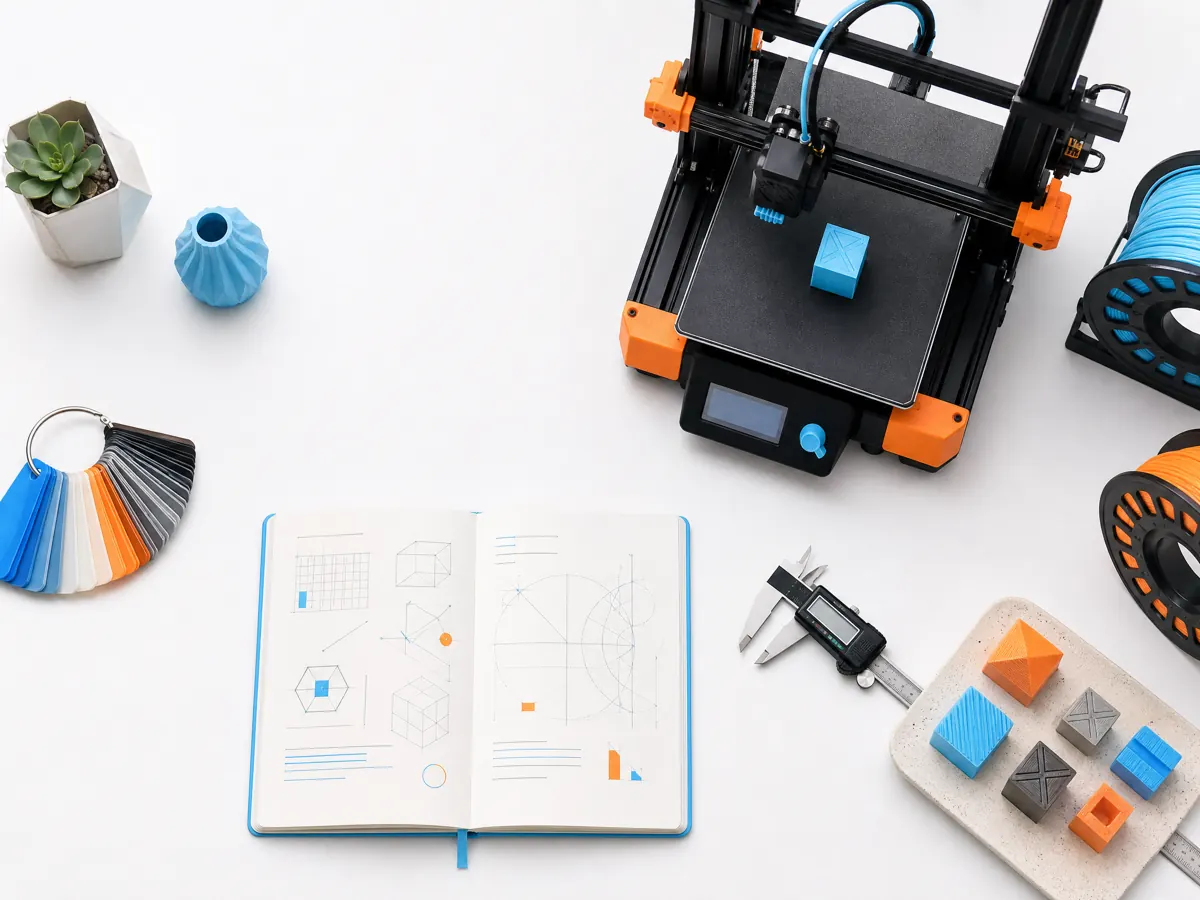
A nozzle clog ranges from a partial restriction that causes rough walls to a complete blockage where the extruder clicks and no filament exits. The safest response is methodical: confirm the fault, use the printer’s documented hotend procedure, and then identify why material stopped flowing. Forcing filament, drilling a hot nozzle, or handling a heater block without thermal precautions can damage the hotend and create burn or electrical hazards.
Recognize a partial clog early
Partial clogs often show as intermittent gaps, reduced flow after retractions, or a line that curls sideways instead of dropping cleanly. Complete clogs may produce no extrusion at all. Before assuming the nozzle is blocked, make sure the spool is free, the drive gear has traction, and the hotend is at the material maker’s recommended temperature range.
If the printer has recently switched materials, a leftover high-temperature polymer can resist a lower-temperature material. If it has printed glitter, wood-filled, carbon-filled, or other additives through a small nozzle, particles or wear may be involved. Use a nozzle diameter and material combination the filament manufacturer supports.
Clear the path safely
Follow the printer manufacturer’s instructions for unloading, heating, and nozzle removal. Keep hands clear of the hotend, use appropriate tools, and allow components to cool before touching them. Many systems support a controlled unload or a cold-pull-style cleaning method; the correct temperature and sequence depend on the hotend and material.
If removal is required, stabilize the heater block with the specified tool so you do not twist delicate heat-break or wiring components. Replace a nozzle that is visibly damaged, heavily worn, or persistently restricted. Do not reuse a part simply because it can be made to extrude once; a low-cost consumable can otherwise compromise many hours of printing.
Prevent the next restriction
Keep filament dry and clean. Store spools in sealed containers with desiccant where appropriate, and wipe the filament through a clean guide before it reaches the extruder if your setup supports one. Moist filament can create bubbles and residue; dusty filament can carry debris into the melt zone.
Match retraction to the extruder design. Excessive retraction can pull softened plastic into a cooler region of the heat break, where it expands and jams. This is particularly relevant for high-temperature materials, long Bowden paths, and hotends with limited thermal headroom. Reduce aggressive retraction before raising temperatures beyond the manufacturer’s range.
| Prevention area | Useful habit |
|---|---|
| Material | Use clean, dry filament and keep the spool path unobstructed |
| Temperature | Stay within the filament and hotend manufacturer’s supported range |
| Nozzle choice | Use an appropriate diameter and hardened nozzle for abrasive fills |
| Retraction | Tune conservatively; avoid repeated long pulls into a cool heat break |
| Maintenance | Inspect nozzle condition and hotend cooling on a regular schedule |
A reliable return-to-print check
After cleaning, extrude a small amount in air, then print a short first-layer and single-wall test. Watch for a consistent bead before committing to a long part. If the clog returns quickly, stop changing slicer settings and inspect the cooling fan, heat break, filament path, and material compatibility. Recurring clogs are a system signal, not a reason to use more force.
A nozzle is a precise melt-control component. Respecting its temperature, material, and maintenance limits gives you cleaner prints and reduces the chance that a small restriction becomes a damaged hotend.