3D printer retraction: a practical guide to clean travel moves
By Let's 3D Studio · 1 min read
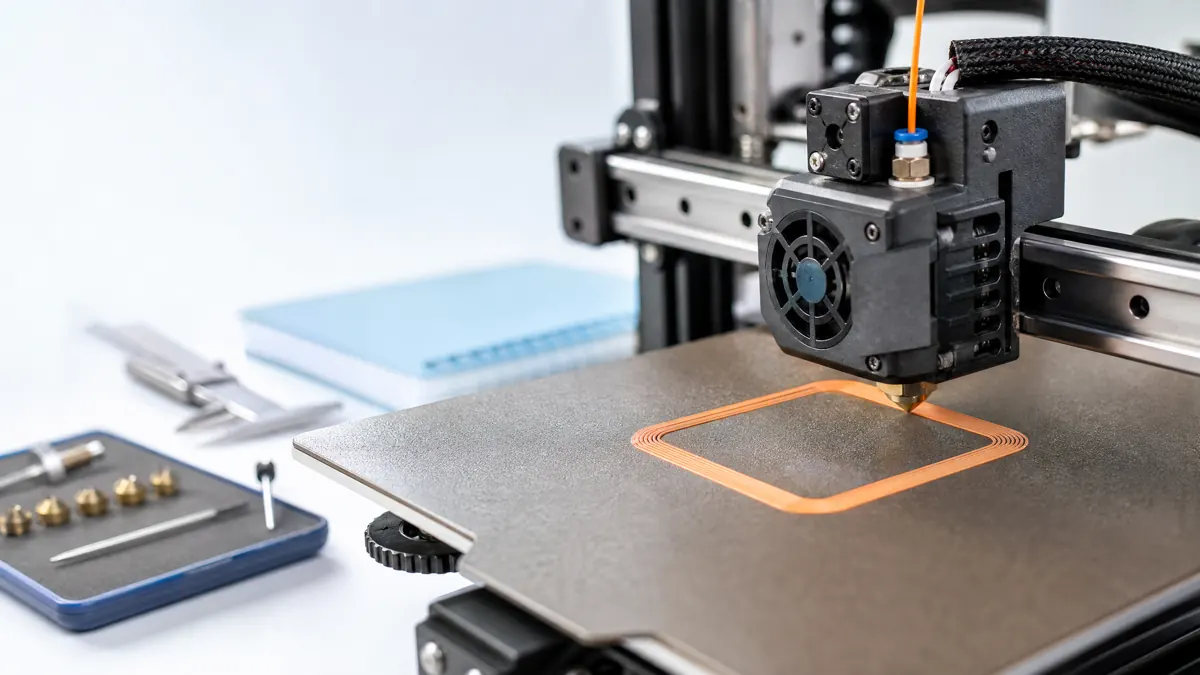
Retraction reduces oozing while the nozzle moves between printed regions, but it is not a cure for every string or blob. Begin with dry filament, a clean nozzle, and the recommended profile for the printer’s extruder type. Then use a small travel test that matches the distances in the real model.
Tune carefully. Excessive retraction can introduce its own issues, including long delays, inconsistent starts, or stress on the material path. Travel speed, wipe behavior, temperature, and the slicer’s routing choices may be just as relevant as retraction distance.
Keep a simple profile history. A reliable setting for one material can be a poor starting point for another, so record the spool, nozzle, temperature, and the test result rather than assuming a universal recipe.