3D print supports: settings to test for easier removal
By Let's 3D Studio · 1 min read
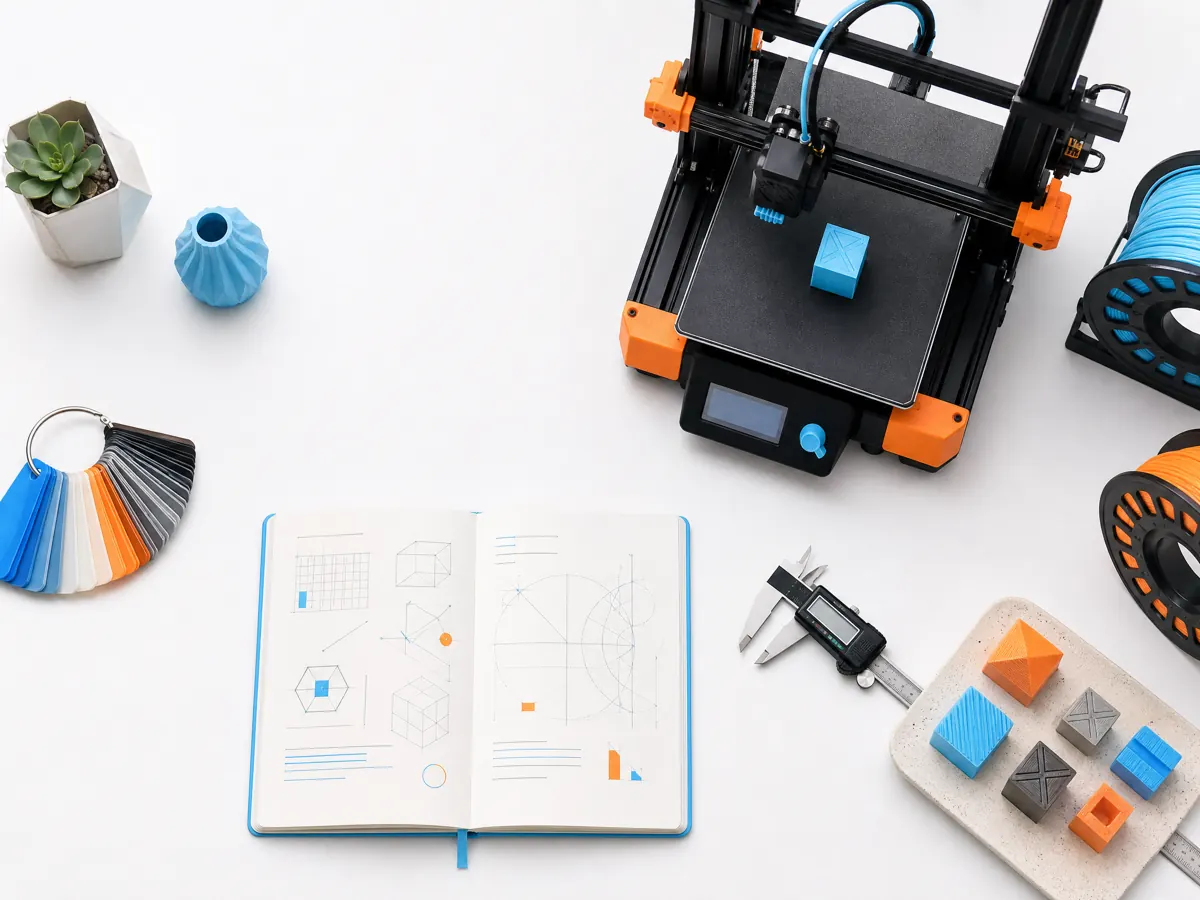
Support settings are best tuned with the surfaces you actually care about. A generic profile can get a model printed, but the contact gap, interface, pattern, and density determine how much cleanup the supported face needs afterward.
Start by minimizing support through orientation and design. When support remains, print a small test that includes the relevant slope, bridge, and contact area. Change one setting at a time, then compare removal effort and the supported surface rather than chasing a single number.
Remember that different materials and nozzle sizes can need different support behavior. Save a profile note with the successful material, layer height, and support result so the next project begins with evidence instead of guesswork.